Description
During my last year at Game Sup, we were challenge to make a game prototype. I was in charge of the UX/UI of the project, from the Research to the Implementation and Motion.
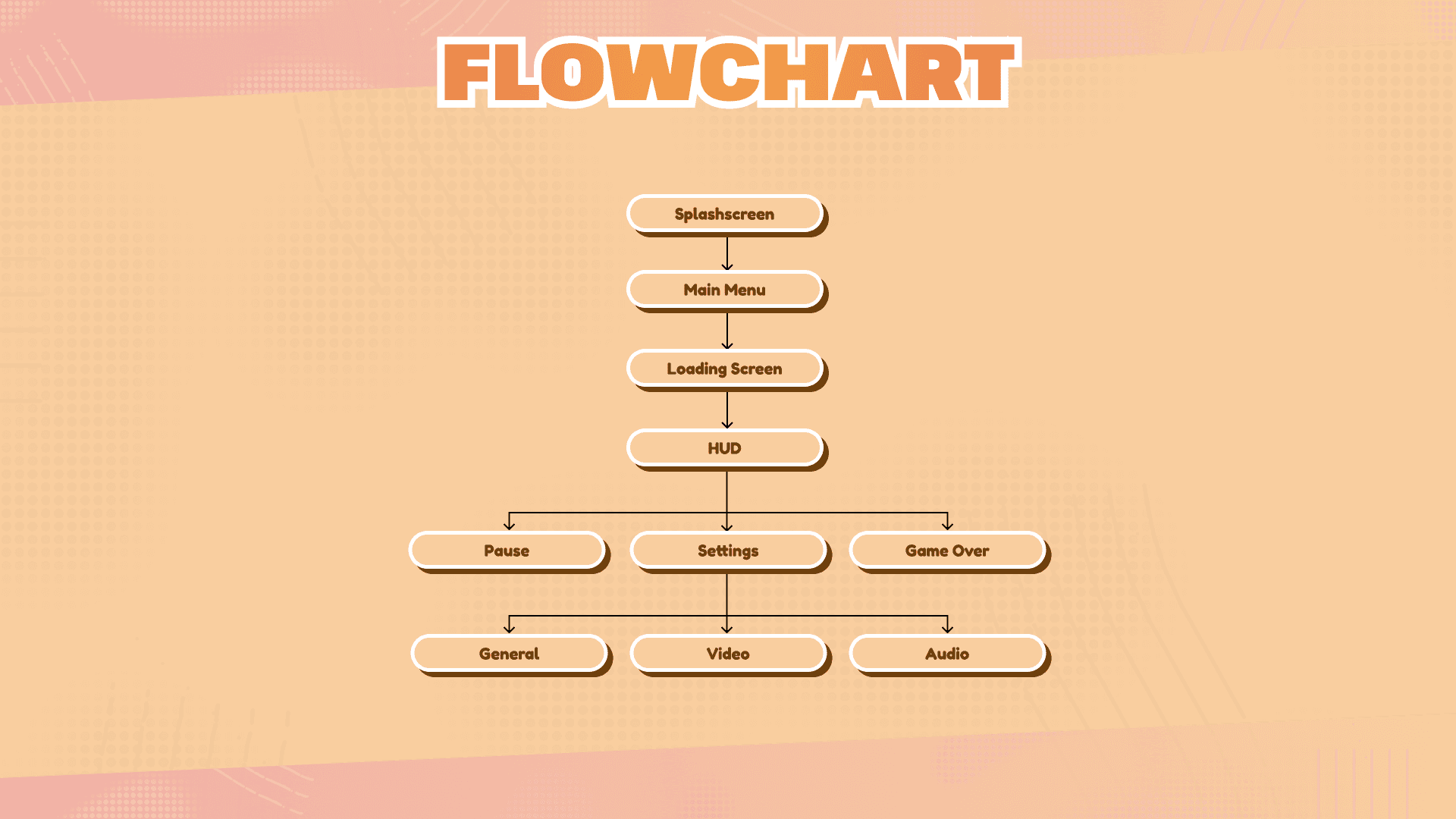
This project let me experiment UI navigation and menus, motion and HUD Design.
Project Breakdown
5 months
Created using Unreal Engine 5
Focusing on UX/UI
Tasks:
Researches
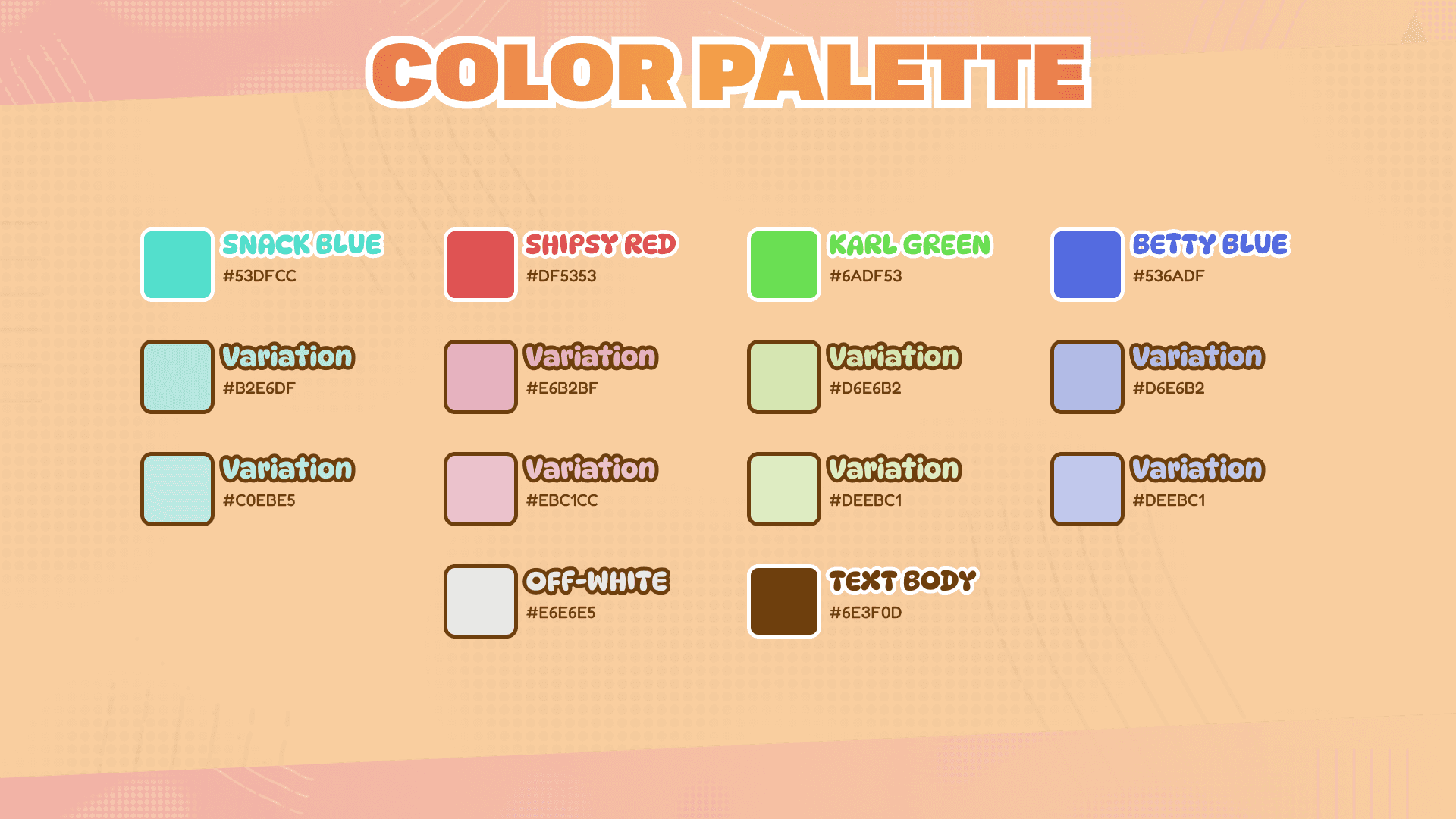
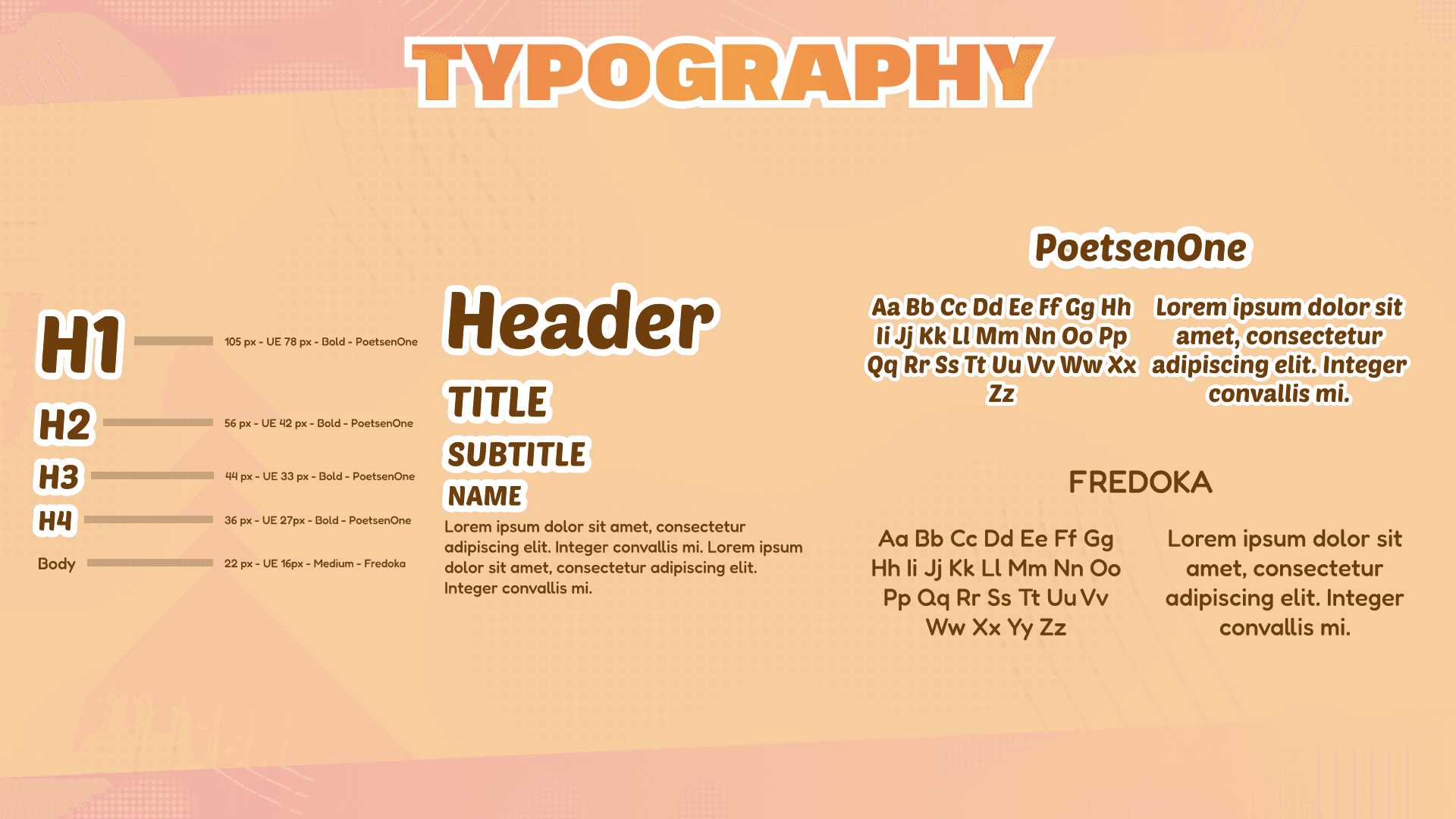
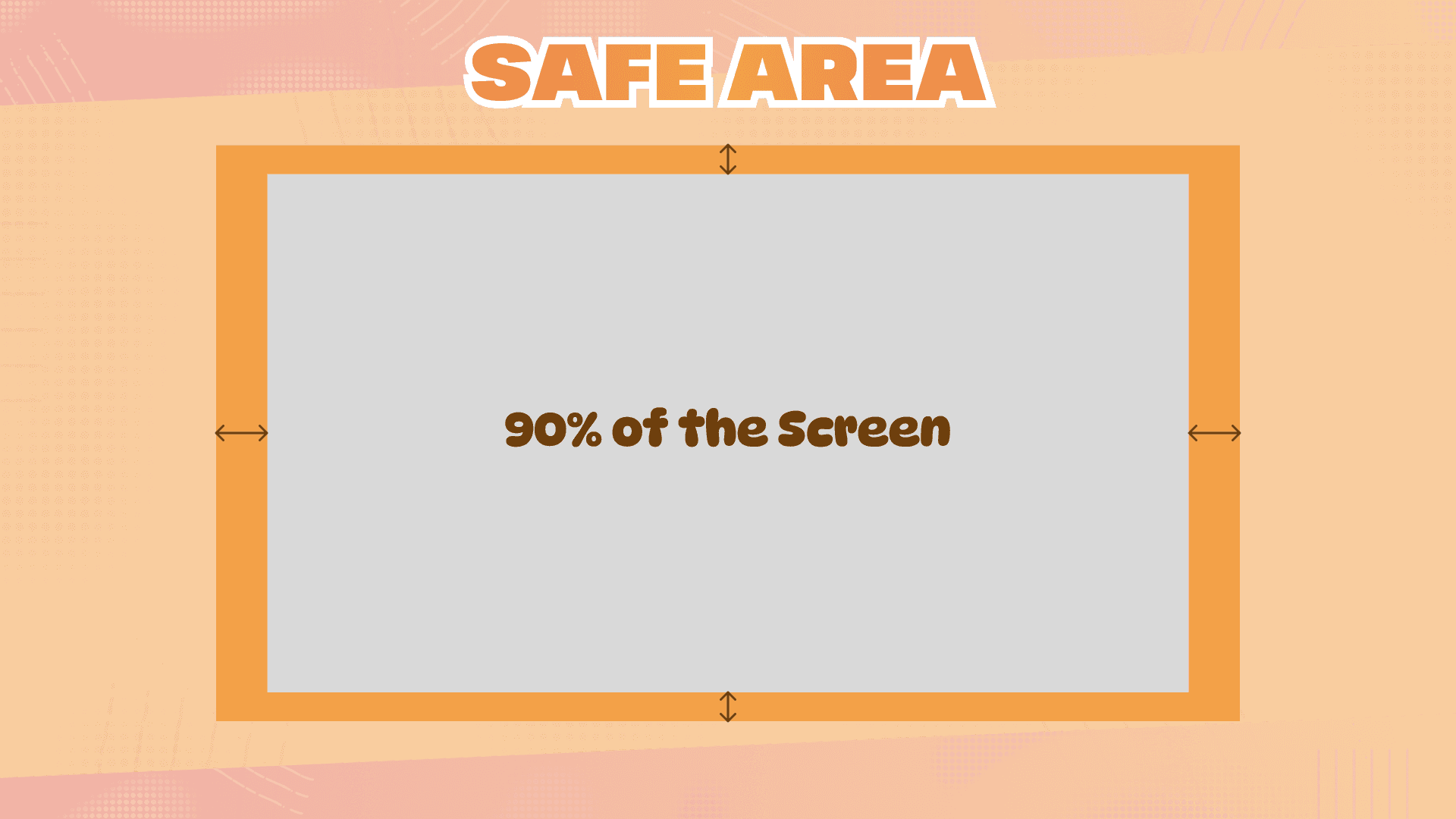
Styleguide
Design & Implementation
Motion
Debug
Styleguide
Dialogues
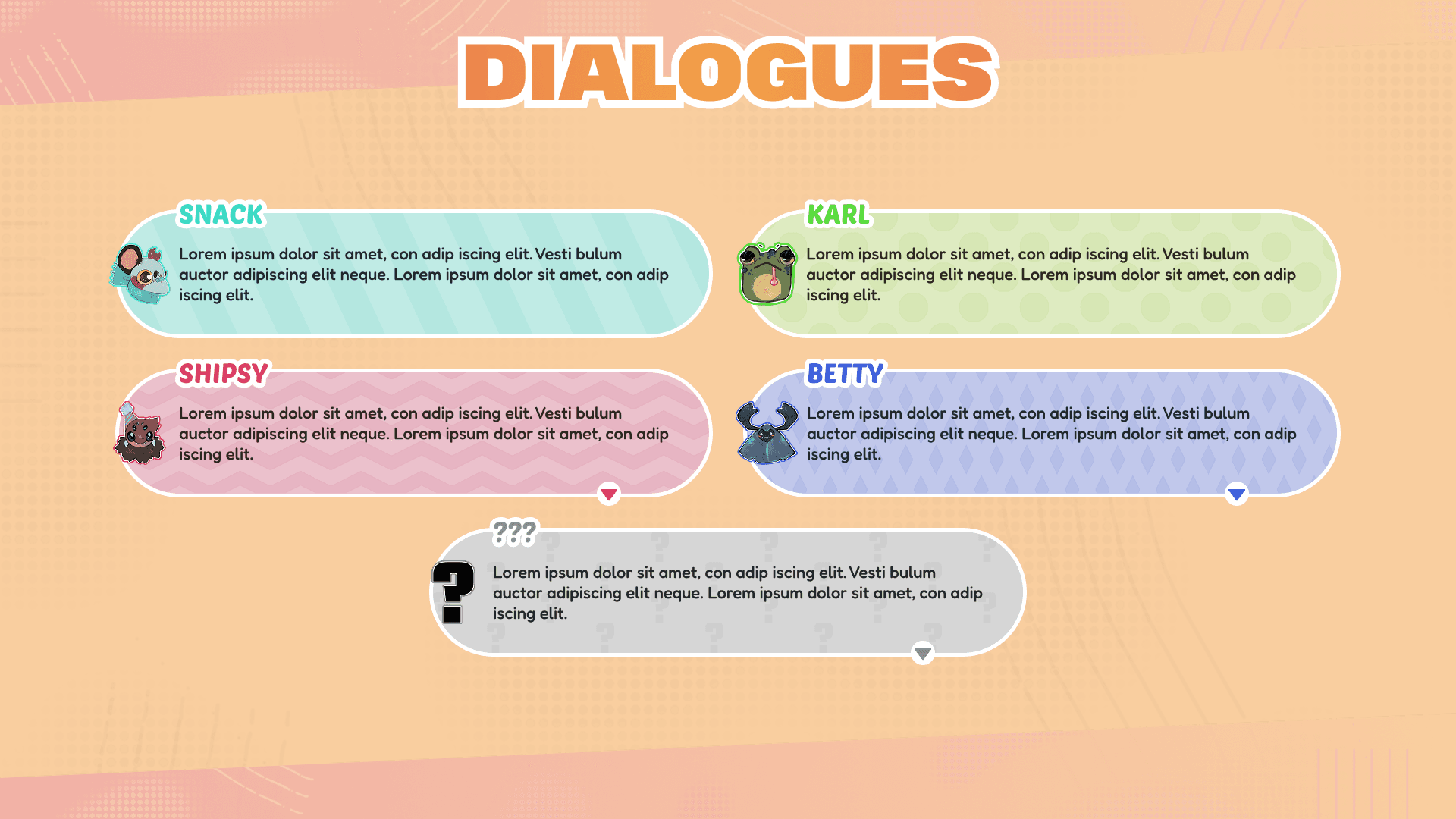
For the dialogue, I was looking for something that let the player know instantly who is speaking.
I assigned a pattern to each character to increase the inking effect. Adding the sprite allows you to immediately see who is speaking.
Design TechniCS
Updating inputs
For this project, I am challenged myself to develop a system that dynamically updates input visuals based on whether the player is using a controller (Xbox controller) or a keyboard without using any plugins.
The mouse pointer is shown only in a menu, when the UI is on KBM.


Materials
For this project, I used the Unreal UI Material Lab to enhance the quality of my materials.
To showcase my work with materials, I chose to highlight my dialogue material. For this material, I created various patterns and enabled selection through a material instance using a static switch parameter. I also used reroute nodes to keep the material graph organized and readable.
I designed my material to preserve its roundness and ensure that the pattern doesn’t stretch, maintaining a consistent size.

Settings
I wanted to create a setting system, for this project I focused on 3 axes: the localization, thee graphics and the sound.
For localization, I selected two languages to test and improve my skills. For graphics settings, I used Unreal Engine’s native system as a foundation. As for the audio, I implemented a standard sound system.
I wanted to create a fluide navigation with a controller or a keyboard.
Localization
I used the localization system of Unreal and use a stringtable for each UI text elements, one for UI and one for dialogues.